News
WoW Forever: Blizzard explains linking guild chat to Discord
Guilds can mirror their chat to a Discord channel in both Forever and the modern game, so members can talk whether they are logged in or not.
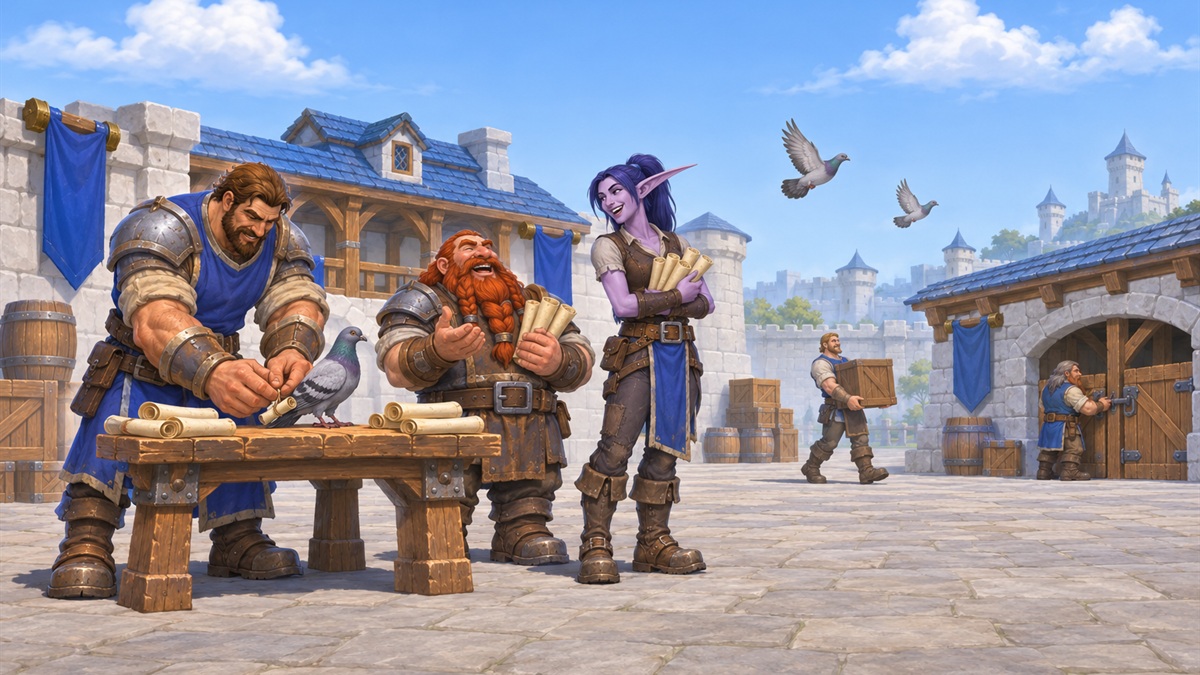
Blizzard has published a guide to Discord account linking and guild chat mirroring, which works in both the modern game and WoW Forever. Messages pass between a chosen Discord channel and guild chat, so members can plan a raid or catch up without being logged in.
Each player links their own account first. Open the game menu with Escape, go to Options, and turn on Enable Discord Functionality on the Social tab. Log in to Discord before you start, then confirm the connection on the screens that follow.
The guild side comes next. The guild's Discord administrator must first allow the Manage Channels, View Channel and Send Messages permissions. The guild leader, or an officer with the correct permissions, then presses J in the game, opens Guild Settings on the Roster tab, picks Discord Settings under Guild Control, and chooses the server and channel to link.
Guild leaders can change the setup at any time, sending Discord messages either into normal /guild chat or into a new dedicated /discord channel. Players choose the name shown on their Discord messages: the game default, currently the last online character, that character's name in this guild, or their Discord Global Name. Blizzard notes that a player who has not linked an account will not have their in-game messages shown in the Discord chat.
Still looking for a guild? Blizzard's official Discord server, the WoW Portal Room, points players to communities that suit how they want to play.
More news
-
 WoW Forever: Twitch offers Alliance and Horde chat badges
A subscription to a creator live in the World of Warcraft category earns faction crest badges for Twitch chat, in a promotion running until 1 December.
-
 WoW Forever: Nvidia ships launch driver 621.14 for GeForce cards
Hours before the servers open, Nvidia has released a Game Ready driver with optimisations for WoW Forever. Nothing says you need it to play.